
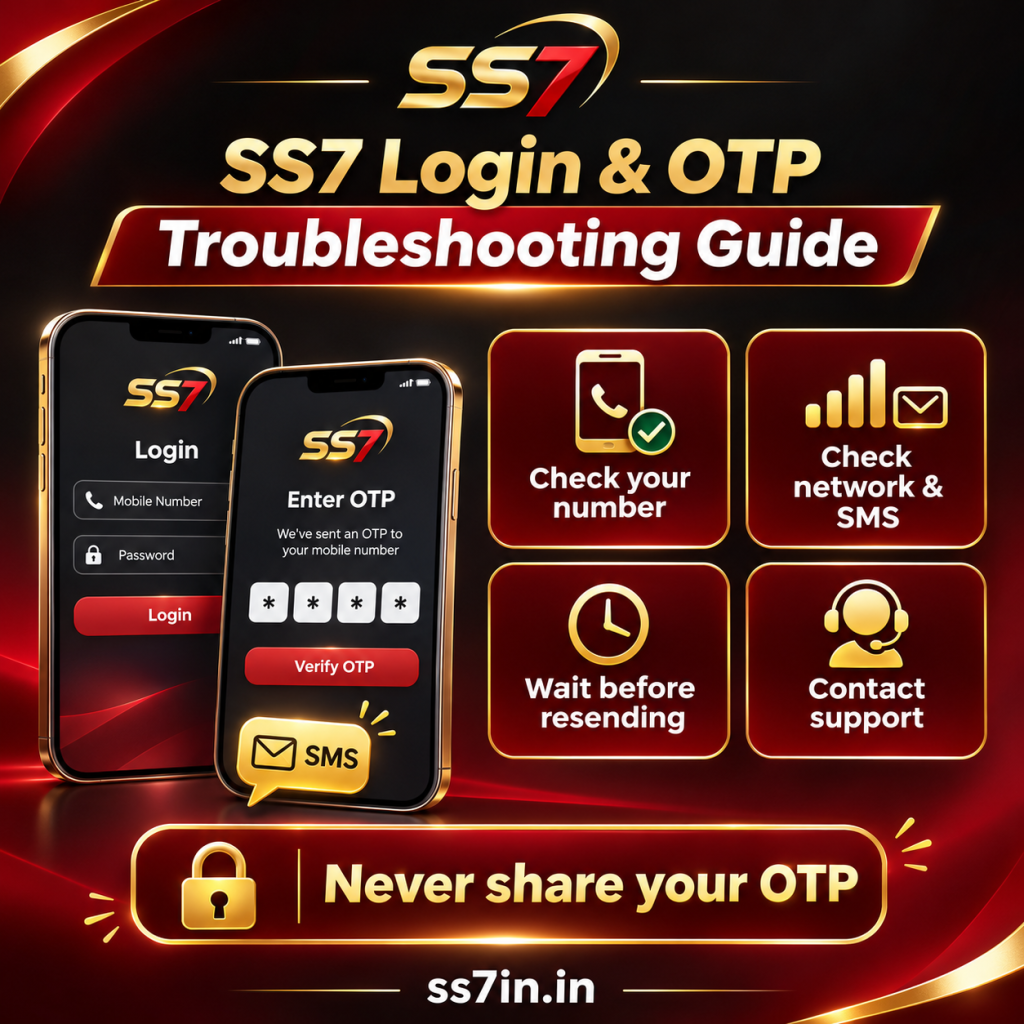
Getting locked out of your account or staring at a spinning verification screen when you want to play a quick round is frustrating. Whether you are registering a fresh profile after downloading from the SS7 Official Homepage or troubleshooting a delayed SMS code on an existing account, this guide covers every step of the SS7 login and registration system.
How to Register a New SS7 Account in 60 Seconds
If this is your first time launching the SS7 App, follow this exact sequence so your account binds cleanly to your mobile number and UPI profile:
- Launch the SS7 App: Tap the app icon on your Android home screen and wait for the lobby to initialize.
- Select Register / Sign Up: Tap the Register button on the top-right or inside the profile prompt.
- Enter Your 10-Digit Mobile Number: Type your active Indian mobile number (Jio, Airtel, Vi, or BSNL). Do not include
+91or0at the beginning—the box already defaults to the Indian country code. - Create a Strong Password: Choose an 8-to-12 character password combining letters and numbers. Write it down or save it in your password manager.
- Request & Enter SMS OTP: Tap Send OTP. Within 10 to 30 seconds, you will receive a 4-to-6 digit verification code via SMS. Enter that code into the OTP box.
- Confirm & Enter Lobby: Add a referral code if you have one, tap Register / Confirm, and your account ID will activate immediately.
Standard SS7 Login Steps for Returning Players
Once your mobile number is bound, logging back in takes ten seconds:
- Open the SS7 App and tap Login.
- Enter your registered 10-digit mobile number and your account password.
- Toggle the Remember Password checkbox if you are using your personal smartphone so you don’t have to retype your credentials every session.
Troubleshooting: Why Is My SS7 OTP Not Coming?
90% of registration and password-reset issues come down to delayed SMS OTP delivery on Indian telecom networks. Use this diagnostic table to fix it immediately:
| Issue / Symptom | Root Cause | Exact Fix |
|---|---|---|
| SMS OTP doesn’t arrive after 60 seconds | Telecom DND (Do Not Disturb) filter or temporary local tower congestion. | Toggle Airplane Mode ON for 10 seconds, turn it OFF to refresh your Jio/Airtel signal, and tap Resend OTP. |
| “Invalid Mobile Number” error | Typing +91 or 0 before your 10-digit number, or leaving a trailing space. | Delete the number completely and type only the raw 10 digits (e.g., 98XXXXXXXX). |
| OTP arrives in Spam folder | Google Messages app automatically filtering automated promotional/transactional SMS. | Open your phone’s Messages app, tap your profile icon → Spam & Blocked, and check if the OTP code landed there. |
| “Too Many OTP Requests” warning | Tapping the Send OTP button repeatedly within a few seconds. | Wait 15 minutes without tapping the button so the security cooldown resets, then request a single code. |
How to Reset a Forgotten SS7 Password
If you forgot your password, do not create a second account—registering multiple accounts on the same phone violates platform rules. Instead, reset your existing password:
- On the SS7 Login screen, tap Forgot Password? right below the password box.
- Enter the 10-digit mobile number linked to your profile.
- Tap Send OTP and input the verification code sent to your SMS inbox.
- Enter your New Password, confirm it in the second box, and tap Submit.
- Log in immediately using your updated password.
Golden Security Rule: Avoid the “Multi-Account” Ban
To protect welcome bonuses and referral pools from bot abuse, SS7 Game enforces a strict Single-ID Policy. Keep these three rules in mind so your wallet never gets flagged during a withdrawal:
- One Phone, One Account: Never log into a friend’s or family member’s SS7 account on your smartphone. The app tracks hardware device IDs, and sharing one device across two accounts can trigger an automated security lock.
- Match Your UPI Name: When you bind your bank or UPI ID for your first ₹200+ withdrawal, make sure the account belongs to you and hasn’t been linked to another SS7 profile.
- Upgrading Your Phone Is Safe: If you buy a new Android phone, simply install the SS7 APK on the new device and log in with your existing mobile number. Moving your single account to a new phone is 100% allowed.
Still stuck on a login error? Tap the Customer Service / Headset Icon right on the top corner of the login screen to chat directly with a 24/7 human support agent before logging in.
👉 Return to SS7 Official Homepage